|
You probably work with Microsoft applications frequently, but are you using them to their
fullest capacity? These powerful, sophisticated programs are tremendous tools on their own, but
Access, Excel, and PowerPoint were designed to work together, allowing users to seamlessly
integrate their capabilities. By using Excel and Access together, you
will be able to manage, organize, interpret, and present data more swiftly and easily than you
ever thought possible.
If youve been looking for ways to boost your integration skills and use all three of these
programs to maximum advantage, this course is for you. This isn't a "how-to" training seminar
for beginners. Rather, it's a business development course that explores how to best apply this
software to your daily decision-making and presentation processes.
Work more effectively, present your data and ideas
more convincingly, and make better business decisions
In just one remarkable day of focused training, you will learn how Excel, Access, and
PowerPoint relate to one another, complement one another, and work together to streamline
various processes and improve results.
With so much business data and information available, just keeping up with everyday data
organization and management can become a major headache. By using Excel and Access together,
you will be able to compile and track information from different
sources, analyze data more quickly, and stay on top of new developments. In just one day
of training, youll discover a variety of tools and techniques that enable you to swiftly
find, analyze, and act on the crucial business information that affects your team, department,
and organization.
Who should attend?
This program is designed specifically for anyone who's looking to manage data more
effectively, interpret it more efficiently, and present it more persuasively by using
Access with Excel and PowerPoint. Even if you are familiar with one or more of these
applications, this seminar will give you the information, tools, and strategies you need
for integrating Access with other programs and utilizing a wealth of exciting, productivity-enhancing
features and functions.
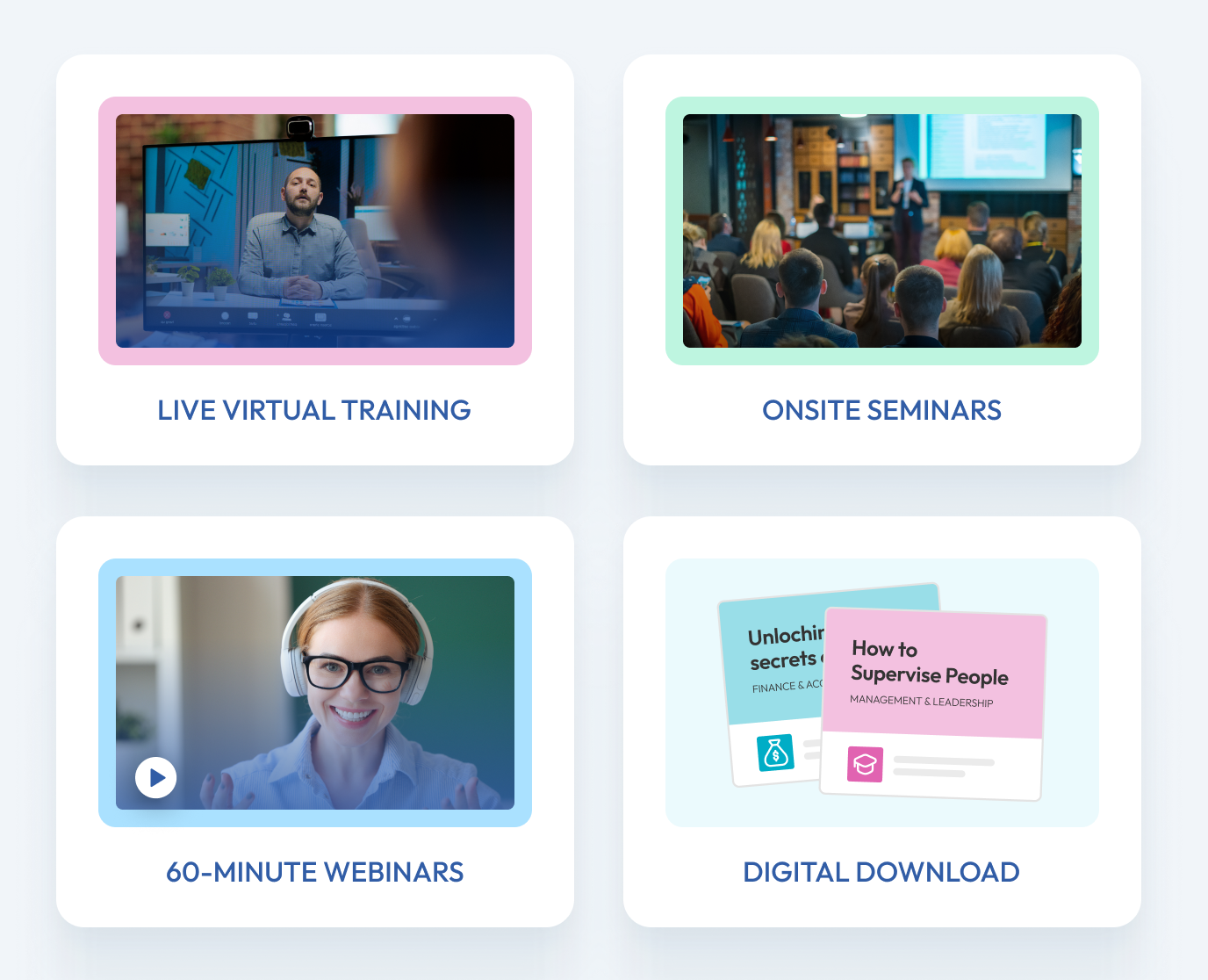
Hands-off computer training means you learn more quickly
A computer software course without computers? Absolutely! Our trainers have found that
when theyre presenting a program such as this one, its easier to deliver key concepts,
techniques, tools, and information via one large, viewer-friendly screen. That way,
everyones focusing on the same information at the same time. This course includes case
studies of real-world solutions using these applications, step-by-step demonstrations,
instructorled exercises and more, all designed to deliver the training that will soon have
you using Excel with Access and PowerPoint to unleash the awesome capabilities of all 3 programs.
Managing Your Data Using Access & Excel Seminar Overview
Data Management Overview
- From Access to Excel to PowerPoint: Make the data compelling
- Learn to control your data and navigate through the information so you can present it
in the best possible light
- Access, Excel, or PowerPoint? Choose the program made for the job so you spend your
time efficiently and effectively
- Learn the secrets that "power users" know to make each program perform amazing feats
of data manipulation
- Plan your project from the start "mind mapping" helps define goals and prevent
time-wasting do-overs
- Harness the power of the Microsoft Office Suite to shuttle data between programs for
the best results
Tools, Tips, and Strategies for Using Excel and Access Together
- Use hyperlinks to connect your spreadsheets and presentations to Web addresses, network
folders, and individual files
- Take advantage of bookmarks to make your reports, presentations, and spreadsheets
navigable and user-friendly
- Do you sometimes get "lost" in your database? Get where you want to go at the push of
a button!
- Never get an "Import Failed" error again: Learn the two critical points you must know
when moving data between applications
- Is it "Street," "St." or "STREET"? Achieve consistency in your data no matter how
many people are entering information
- Create custom error messages for users without having to know any Visual Basic
® code!
- The future is here: Collect, organize, and distribute information via the Web
- Receive step-by-step instruction on how to download information from the Web and
keep it current
- Harness the power of a user-friendly Access data portal to collect information from around the
office and around the world
Back to Seminar Overview
Features, Functions, and Shortcuts to Make Data
Organization and Management Easier Than Ever
- No more error messages! Learn the 3 important keys to making Pages work
- Discover a little-known secret (even Excel pros don't know this one!) that can quickly
select all the data you're after
- Instantly hide unneeded records and view only the data you want it's even
easier in Access than in Excel!
- Find out which button allows you to create an instant query in Access
- Uncover the key to ending the most common sorting error in Excel
- Learn about a new feature that can help you unlock the secrets of Excel features
- Go beyond formulas to see just how many of your favorite functions also work in Access
- Avoid queries altogether by building your formulas directly into your Access forms and reports
- Discover the "secret weapon" Access experts use to produce beautiful reports fast!
- Create a "virtual" network with staff outside your facility
- BONUS TIP: Make a bloated, slow Excel file work faster
How to Organize Your Data for Maximum Impact
- Use Access queries and reports to make your decisions and isolate the information you want
to present
- Learn the best features of data organization in Access to create reports that are
guaranteed to impress
- Export to Excel for manipulation and calculation; the data organization features enable you
to instantly perform calculations without stacks of math manuals
- Learn quick tricks to make your most important data as interesting to your audience as it
is to you
- Make your data attractive and interactive using PowerPoint's clever visual presentation tools
Back to Seminar Overview
How to Create and Deliver Polished, Professional Presentations and Reports
- Find out how to make a presentation compelling, startling, and inspiring simply
by choosing data that achieves the greatest impact
- No more clicks! No more meetings that run long! Learn how to make your presentation
advance on its own to save time and stay on schedule
- Your presentation is in 5 minutes and you just updated the Excel data you're presenting.
Find out how to instantly update your PowerPoint file and still make it to your meeting on time
- Bypass Excel to create compelling and data-rich charts right in PowerPoint
- In a rush? Create a chart with just the push of a button!
- Explore advanced charting features to identify deviations and trends
- Use linked data in PowerPoint files to keep your information completely up-to-date
without having to re-create the presentation!
- Did someone miss your meeting? Need to share your presentation company-wide? Convert it into
a play-on-demand package you can present on a laptop or via the Internet
Back to Seminar Overview
To find out more about
Managing Your Data Using Access & Excel, contact our customer service department at customerservice@pryor.com
or by phone at 1-800-780-8476.
|